

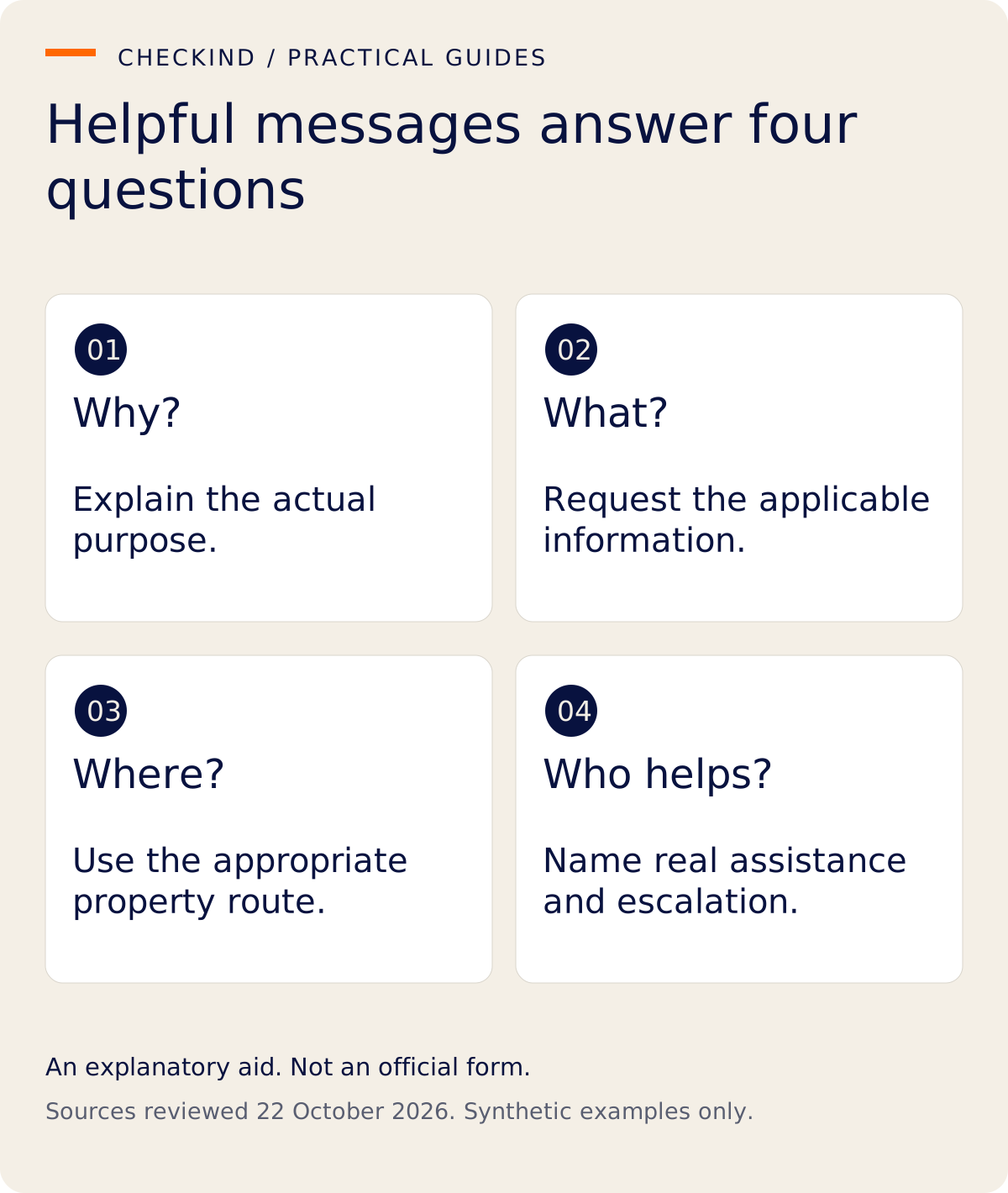
A good guest-registration message explains the purpose, identifies the property, asks only for the applicable information and tells the guest how to get help. It should not claim automatic government filing or invite identity documents into an unsuitable channel.
The four templates below are editorial examples for Indian hotels and homestays. They are not official notices or proof that any particular request is lawful. Adapt them to your property's current requirements, actual data practices and the rules of the booking platform.
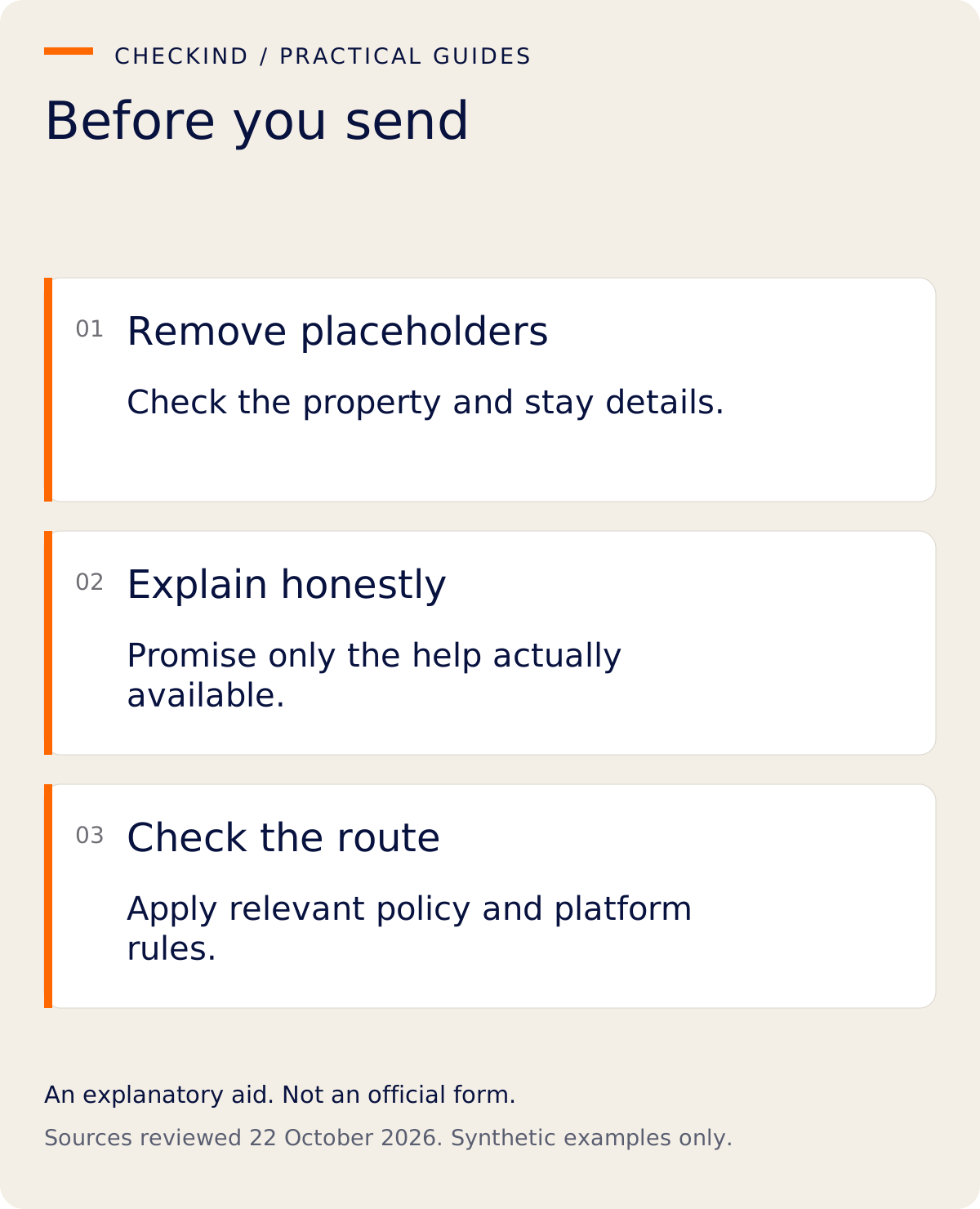
Before sending any template
Confirm the booking and property context. Check that the requested information has an appropriate basis, the receiving route is suitable and the explanation is true. A message that says “only your reviewer can see this” needs evidence of that access arrangement.
For Airbnb bookings, review the platform's rules on collecting additional guest information and relevant requirements before adding an external step. A host-written template does not override platform policy. Keep registration separate from door-access promises.
Template 1: explain the registration request
“Hello [guest name], we look forward to welcoming you to [property] for [stay dates]. We need to complete the applicable guest-registration process for your stay. Please use [the property's verified registration route] to provide the relevant details. We will review the information with you. If you need help or cannot use the online route, contact [the property's actual assistance route].”
Replace every bracketed field. The route must genuinely belong to the property, and the assistance offer must match what someone will provide. Do not present an illustrative or development link as a live guest destination.
Template 2: explain foreign guest reporting
“For foreign guest accommodation, we also handle the property's applicable reporting through the designated official process. The current form is Form III, formerly Form C, and Rule 17 includes OCI cardholders. Guest registration and official reporting are separate steps. We may need to clarify relevant document, journey and actual-stay details with you.”
This explanation draws on Rule 17 and the Form III schedule. Do not add an unsupported penalty, blanket document list or government-approval badge to make the request sound more urgent.
The message should inform rather than intimidate. If the guest raises a special circumstance, give the question to the authorized person instead of turning a general template into immigration advice.
Template 3: ask about a missing detail
“Thank you for providing your registration information. We need to clarify [specific detail] because [accurate, limited purpose]. Please use [the appropriate route] or speak with [reviewer] when you arrive. Please do not send passwords, payment-card details or unrelated documents.”
Ask the smallest useful question. If the guest has already supplied the information, first check whether the property can find it. Avoid repeated requests caused by a poorly organized handover.
If the detail is missing because a software field does not fit the guest's circumstances, do not ask the guest to invent an answer. Check the accepted process with your authorized operator.
Template 4: confirm departure particulars
“As you prepare to leave [property], please confirm your actual departure details and the applicable onward-destination information with [reviewer or appropriate route]. We will handle the property's reporting separately. Please tell us if your plans have changed.”
Use this only where those particulars are applicable and the reviewer can assist. For covered foreign accommodation, Rule 17(1) concerns departure date, time and onward address. Do not describe the booked checkout time as already confirmed.
What not to add
Avoid claims such as “our software files everything automatically,” “your ID is government verified,” “guaranteed compliant” or “all guests everywhere must upload this exact document.” Each expands the claim beyond what a general message establishes.
Do not ask for document copies in public comments or leave full identity numbers in a group thread. Explain the property's real data process rather than promising that a channel is secure simply because it is familiar.
A fictional adaptation
Illustrative Mango Court uses the first template for a direct booking. Before sending it, the owner confirms the stay-specific route and the person providing assistance. When the guest asks about OCI, the owner uses the second template's narrow reporting explanation.
The owner does not say that CheckInd currently supplies an OCI preparation workflow or automatic filing. The example concerns wording and responsibility, not a claim that the messages are automatically sent.
CheckInd's current scope
CheckInd supports digital guest registration and document capture. Expanded Form III preparation, including its OCI-specific workflow, remains in development. CheckInd does not submit government reports. Check the product page before turning a template into a product promise.
Questions hosts ask
Can I send all four messages automatically?
No automation is established by these templates. Decide what is necessary, permitted and genuinely supported.
Should I mention a reporting deadline in every welcome message?
Only when it helps explain a relevant process accurately. Avoid creating pressure through incomplete legal summaries.
Can a guest use an assisted route instead?
Plan and describe the assistance your property actually offers. Do not promise support that is unavailable.
Choose the template that answers the guest's current question, remove irrelevant requests and check every bracketed field before sending.
Operational suggestions and synthetic examples. They do not establish government approval, feature availability or legal compliance.
- Immigration and Foreigners Rules, 2025; G.S.R. 596(E), 1 September 2025 — Rule 17(1), (5), (6), Form III schedule
- Immigration and Foreigners (Amendment) Rules, 2026; G.S.R. 424(E), 1 June 2026 — Amendments to Rules 12, 18 and 21; no amendment to Rule 17 in this instrument
- Official Form III public portal — Public notice includes OCI; no authenticated procedure tested
- CheckInd current Form III product boundary — Digital registration is available; expanded Form III preparation remains in development.
- Airbnb information-collection guidance — Use for platform policy only; not governing Indian reporting law